SEO Title: Online Certificate Editor
Online Certificate Editor
Most people think an online certificate editor is just a drag-and-drop design tool. That misunderstanding has cost teams time, money, and credibility. I’ve seen organisations spend hours making certificates look polished, only to discover the real problem later: the certificate couldn’t be issued at scale, couldn’t be verified, or didn’t fit the program they were actually running.
That’s the gap worth closing first. If you’re a practitioner in L&D, education, HR, training, or program ops, an online certificate editor is not just about making something pretty. It is part design tool, part workflow decision, and part trust signal. When it works well, it saves admin time and makes achievement feel real. When it works badly, it creates extra manual work, weakens the learner experience, and sometimes makes the whole program look less credible.
In this article, I’ll walk through what an online certificate editor means for practitioners today, how to use one well, where teams go wrong, and what outcomes matter more than the template itself.
What you'll find here
- What an online certificate editor actually does
- The features that matter in practice
- How to choose the right workflow for your program
- Real-world examples of what works and what fails
- Common misunderstandings about certificates, badges, and verification
- Practical FAQs
What an online certificate editor actually does
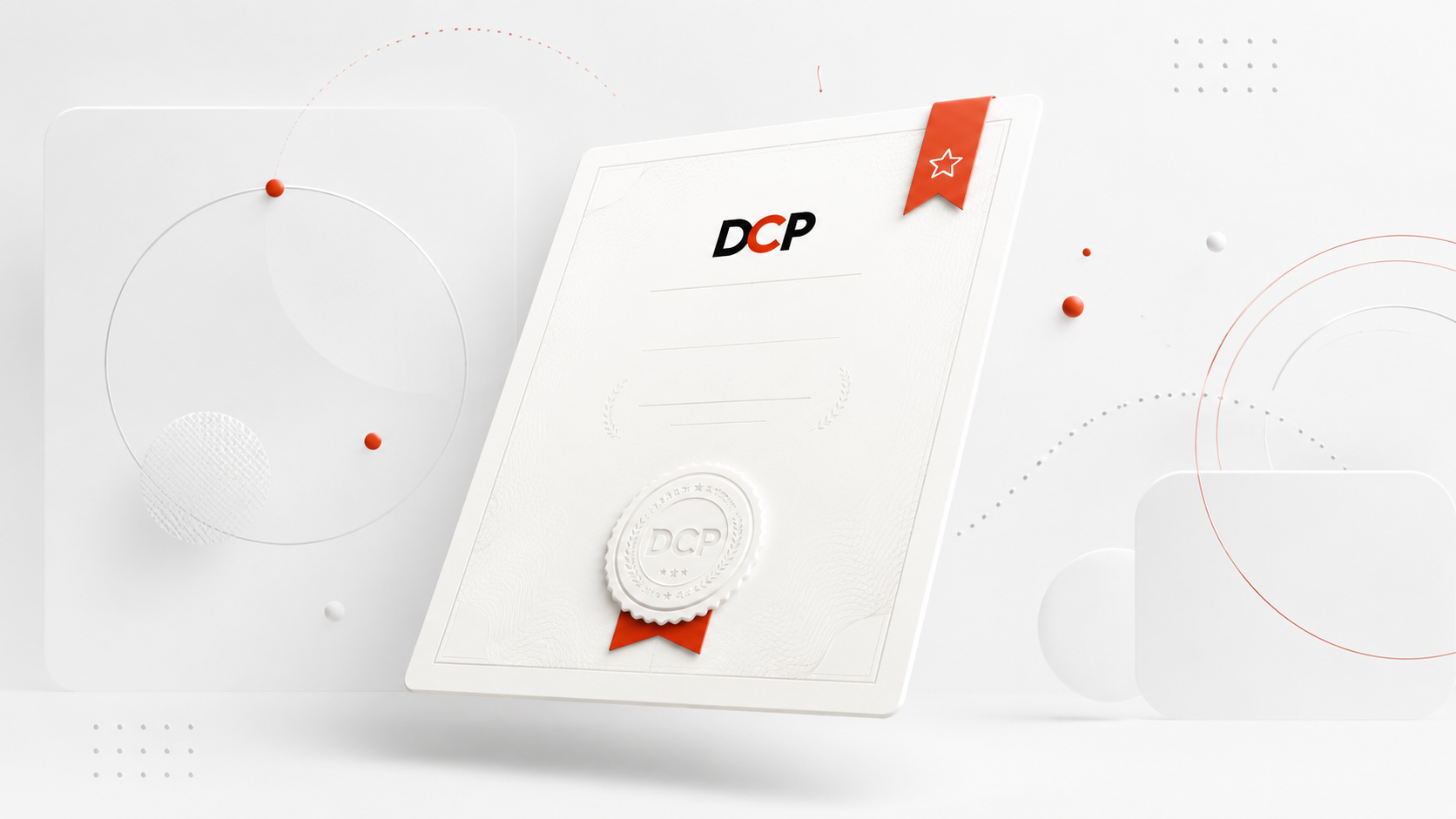
An online certificate editor lets you create, customise, and often issue certificates through a browser. At the simplest level, it replaces manual design work in tools like PowerPoint, Word, or Canva. At a more useful level, it helps you produce certificates that are consistent, scalable, and tied to a real issuance process.
That distinction matters.
A certificate can be:
- a one-time PDF sent after a workshop,
- a completion record for compliance training,
- a branded award for a cohort,
- or a verifiable digital credential tied to a learner’s identity, completion data, and unique issuance record.
An online certificate editor may handle only the design layer, or it may sit inside a broader credential platform that also manages data imports, automation, expiry dates, QR codes, verification pages, and issuance records. The best choice depends on what problem you are trying to solve.
If you only need a certificate for an internal event, a simple editor may be enough.
If you need to issue hundreds or thousands of certificates after each course run, a basic editor alone is not enough. You will need a system that can automate data merge, reduce errors, and help you prove a certificate is legitimate later.
That’s the real practitioner question: not “Can I make the certificate look nice?” but “Can I issue this cleanly, verify it later, and keep it aligned with how the program operates?”
The features that matter in practice
A lot of certificate tools look similar in screenshots. They are not.
Here are the features that actually matter when you’re managing real programs.
1. Template flexibility
A good online certificate editor should let you adjust layout, fonts, logos, brand colours, signatures, and wording without fighting the tool. But flexibility should not mean chaos. Too much freedom can lead to inconsistent outputs across teams.
What to look for:
- editable text fields
- uploadable branding assets
- preset sizes for common certificate formats
- safe alignment guides
- the ability to lock key elements
If your team runs multiple programs, you want guardrails. Otherwise every manager becomes a designer, and everyone’s output drifts.
2. Data merge and bulk creation
This is one of the most important practical features and one of the most underrated. If you are issuing at scale, you need to merge recipient data into the certificate automatically.
That means:
- learner name
- course title
- completion date
- credential ID or reference number
- issuer name
- expiry date, if relevant
Without bulk merge, your admin team ends up copying and pasting names one at a time. That works for 12 certificates. It is a disaster for 1,200.
3. Verification options
A modern certificate is not just a picture. It should be verifiable. That can happen through:
- a unique ID
- a public verification page
- a QR code
- a digital signature
- a linked credential record
This matters because certificates are often shared on LinkedIn, added to portfolios, or used in hiring and compliance checks. If a verifier cannot confirm authenticity easily, trust drops fast.
4. Export and share options
Some organisations still need PDF certificates. Others want screen-friendly images, email delivery, or hosted digital certificate pages. The best editors can support multiple formats.
That said, PDF is not the same as proof. It is just a format. A PDF can be useful, but if it is your only option, you are relying on design, not verification.
5. Automation
This is where online certificate editors stop being a convenience and start becoming infrastructure.
Automation may include:
- trigger-based issuing after course completion
- scheduled batch issuance
- expiry reminders
- renewal workflows
- revocation or reissue options
- integration with LMS, CRM, or event software
If you issue credentials often, automation does more than save time. It reduces human error and protects program quality.
6. Governance and control
The most mature programs have rules around who can create templates, edit wording, issue credentials, and approve changes. That is not bureaucracy. It is quality control.
You want:
- role-based permissions
- version history
- approval workflows
- consistent naming conventions
- audit trails
Without governance, certificate quality usually degrades over time, especially in larger organisations with multiple program owners.
A genuine take: most teams focus on design when they should focus on issuance
Here’s the opinion that comes up again and again in platform reviews: most organisations that ask about digital certificates are asking the wrong first question.
They focus on the certificate layout, the badge icon, or whether the template “looks modern.” Those things matter, but they are not the core problem.
The real questions are:
- How will the certificate get issued?
- Who approves it?
- What data feeds it?
- How will we verify it?
- What happens when someone’s name is misspelled?
- What if a learner needs a reissue?
- What happens when the program scales?
If the workflow is broken, the design is just decoration.
That’s why DigitalCredentialPlatforms.com independently reviews digital credential platforms — full rankings at /rankings/. If you’re evaluating platforms to run your own program, the independent rankings compare options across ease of use, integrations, and value. I’d always start there before obsessing over templates.
How to choose the right online certificate editor for your program
The right choice depends on the program type, the volume, and the stakes.
For small teams or occasional use
If you only issue certificates a few times a year, you may need something simple:
- easy editing
- strong branding tools
- PDF export
- quick sharing
In this case, a lightweight editor is fine. Just don’t pretend it is a credential management system if it isn’t.
For training teams and course providers
If you run recurring courses, look for:
- bulk issuance
- data imports
- templates for different course levels
- verification links
- email automation
- certificate record storage
Here, reliability matters more than flashy design.
For compliance or regulated programs
If certificates represent hours completed, compliance status, or professional standing, you need stronger controls:
- audit logs
- expiry management
- verification pages
- revocation options
- consistent identity matching
At this level, a basic editor is rarely enough. You need a platform that understands records, not just layouts.
For universities and education providers
A degree or formal program may require more structure:
- student records integration
- branded issuance at scale
- program-level governance
- support for multiple credential types
Universities often need more than certificate generation. They need system alignment across registrars, LMS teams, and communications staff.
Microcredential vs certificate: the difference that matters
This is a comparison people often blur together, and that blur causes bad program design.
A certificate usually confirms completion, attendance, or achievement against a set program requirement. It may or may not imply deep assessment.
A microcredential usually signals a more specific, skill-based outcome. It often has clearer criteria, sharper alignment to competencies, and sometimes includes evidence, assessment, or verification metadata.
In practical terms:
- A certificate might say: “Completed a 6-hour workshop on leadership fundamentals.”
- A microcredential might say: “Demonstrated coaching, feedback, and conflict-resolution skills against defined outcomes.”
That difference matters because audiences interpret them differently.
A certificate is often broad and familiar.
A microcredential usually carries more technical weight and may help the learner show a narrower capability.
An online certificate editor can produce both. But the wording, metadata, and issuance logic should change depending on which one you’re issuing. If you treat a microcredential like a generic participation certificate, you weaken it. If you make a simple training certificate look like a rigorous microcredential, you overstate the value and risk credibility later.
Open badge vs PDF certificate
Another important comparison: open badge vs PDF certificate.
PDF certificate
A PDF certificate is:
- easy to create
- easy to send
- easy to save
- easy to fake if it lacks verification
It is visual evidence, but it is not strong proof on its own.
Open badge
An open badge is:
- structured metadata attached to achievement
- often portable across platforms
- usually verifiable through embedded information
- better suited to digital sharing and skills evidence
A badge can include:
- issuer
- recipient
- criteria
- evidence links
- issue date
- expiration date
This makes it more useful for proof and portability.
Which should you use?
If you need a simple attendance record, a PDF might do the job.
If you want learners to share a verifiable achievement that employers can inspect, an open badge is usually stronger.
That said, the market often overhypes badges. Not every audience wants a badge. Some still prefer a certificate they can print or attach to a file. The smarter move is often both: a certificate for familiarity and a badge for digital verification.
That is also why a site like ours offers a free badge maker at /free-badge-maker/ and a free certificate maker at /free-certificate-maker/ — because different programs need different outputs, and the workflow matters as much as the look.
How to use an online certificate editor well
Here is the practical side. This is where many teams either save time or create hidden admin work.
Step 1: Define the purpose
Before editing anything, answer this:
- Is this for attendance, completion, achievement, compliance, or recognition?
- Who is the audience?
- How will they use it?
- Will employers, regulators, or partners ever verify it?
A certificate for a one-hour webinar should not be designed like a professional licence. Match the format to the purpose.
Step 2: Standardise the template
Choose a consistent template:
- repeated branding
- fixed placement of titles and signatures
- standard wording
- controlled colour palette
You can still create variants for different programs, but every extra variation adds admin friction.
Step 3: Prepare clean data
If you import names from a spreadsheet, check:
- spelling
- capitalisation
- date formats
- missing fields
- duplicate records
Garbage in, garbage out. This is not a design problem. It is a data problem.
Step 4: Test the certificate before issuing it
Send a proof to several people and check:
- how names wrap
- whether long course titles hold up
- if QR codes scan correctly
- if verification links work
- if the PDF keeps its layout when downloaded
A certificate should survive reality, not just the preview screen.
Step 5: Build a reissue process
Someone’s name will be wrong. A date will need changing. A title will evolve. Create a process for reissuing certificates before the complaint arrives.
Step 6: Track outcomes
If you issue certificates regularly, measure:
- delivery rate
- error rate
- time to issue
- support tickets
- sharing rate
- verification clicks
Program teams often celebrate the launch and ignore the operational data. That’s a mistake. The best certificate process is the one you barely have to think about after launch.
Real-world example 1: A corporate L&D team that replaced manual PDFs
A mid-sized software company ran monthly product training for sales staff across three regions. For years, the learning team used a manual process: the facilitator emailed a spreadsheet of completers, an admin opened a design file, typed names into certificates, exported PDFs, and sent them out one by one.
It looked manageable until the program grew.
Their problems:
- misspelled names
- inconsistent completion dates
- delayed issuance
- staff asking for reissues
- no single record of who got what
At first, they tried to solve this with better design. That did almost nothing.
Then they moved to an online certificate editor with bulk merge, template locking, and automated sending. The new process pulled completion data from the LMS and generated certificates in batches.
The outcome:
- issuance time dropped from days to hours
- spelling errors fell sharply
- the team stopped manually chasing completion lists
- sales staff could access their certificates from email and a hosted record
The biggest change was not the certificate appearance. It was the admin load. The team finally had a process that matched volume.
That is what good tooling does. It removes the bottleneck you didn’t notice had become normal.
Real-world example 2: A professional association that needed trust, not just design
A professional association offered a short continuing education program. It wanted members to be able to show proof of attendance and learning hours. At first, the team used polished PDF certificates with signatures. They looked credible enough internally.
Then members started submitting the certificates to employers and licensing bodies. Questions followed:
- Was this person actually in the session?
- How many hours did they complete?
- Could the certificate be verified if the PDF was forwarded?
- What if the same document was edited?
Now the association had a credibility problem.
The fix was not a new font. It was a better issuance model. They adopted an online certificate editor tied to an issuance record, added unique IDs and verification pages, and attached completion metadata to each certificate.
The outcome:
- verifiers could confirm the certificate instantly
- the association reduced back-and-forth email requests
- members had a stronger proof of participation
- the program looked more authoritative
This is a good example of why certificate tools matter beyond presentation. Trust is the product.
Our 2026 survey of 214 credential program managers backs this up
In our 2026 survey of 214 credential program managers, the most common operational pain point was not design quality. It was workflow reliability: teams wanted easier issuance, better integrations, and fewer manual corrections. That lines up with what we see in platform reviews. A certificate editor can be beautiful and still fail the program if it does not fit the process.
Common misunderstandings about online certificate editors
1. “Any certificate maker is good enough”
No. Some tools are fine for one-off events. Others are built for recurring programs. If you issue credentials at scale, “good enough” usually becomes “too much manual work.”
2. “A nicer design makes the certificate more valuable”
Not really. Design helps first impressions, but value comes from relevance, recognition, and verification. A clean layout does not create credibility on its own.
3. “PDF means verified”
It does not. A PDF is a file. Verification requires a record, a unique identifier, or some other mechanism that links the certificate to a real event or completion state.
4. “Certificates and badges are interchangeable”
They are not. A certificate communicates completion or award in a familiar format. A badge often carries more metadata and supports digital verification more naturally.
5. “The tool matters more than the program”
Also false. A weak program will not improve just because it uses a polished online certificate editor. You still need clear criteria, clean data, and a reason the credential exists.
What good looks like in practice
A strong online certificate editor should help you do five things well:
- Create a clear, branded certificate
- Issue it without manual chaos
- Verify it later
- Scale it as the program grows
- Keep the process consistent across teams
If the tool does those things, you are in good shape.
If it only helps you make something that looks official, you are still doing half the job manually.
That’s especially important for teams thinking about a larger credential strategy. A certificate is often the entry point. Once programs mature, they start asking for better verification, richer metadata, and more reusable credential types. That is where simple design tools hit their limits.
FAQ
Do employers actually look at digital badges?
Sometimes, yes — but not always directly. Employers care most about whether the credential is relevant, reputable, and easy to verify. A badge helps most when it links to clear criteria and a trusted issuer.
Is an online certificate editor enough for a large training program?
Usually not. If you’re issuing at scale, you will likely need bulk issuance, automation, records, and verification features. A basic editor may create more manual work later.
What’s the biggest mistake teams make with certificates?
They design first and operationalise later. They build the template before they think about data, issuance, reissue requests, and verification. That order causes headaches.
Should I use a PDF certificate or an open badge?
Use a PDF if you need a simple, familiar format. Use an open badge if you want stronger digital sharing and richer verification. Many programs benefit from both.
Is Open Badge 3.0 worth switching to now?
It depends on your audience and infrastructure. If you need better metadata and portability, it may be worth planning for. If your audience mostly wants a simple completion certificate, the switch may not be urgent.
Conclusion
An online certificate editor is only useful when it fits the real job you need done: issue cleanly, verify easily, and scale without creating admin pain. The best programs do not chase the fanciest design. They build a workflow that protects accuracy, trust, and speed. If you’re choosing tools for your own program, start with the process, then the format, then the polish — and if you want a practical place to compare options, check the independent rankings and explore the free certificate and badge makers on DigitalCredentialPlatforms.com.

Paul Rach
I am Paul Rach, a B2B content creator helping SaaS and tech brands turn complex ideas into sharp, human stories. I specialize in LinkedIn content and founder-led thought leadership campaigns. Outside of work, I shoot analog photography on 35mm film, chasing forgotten architecture, neon signs, and quiet city corners.